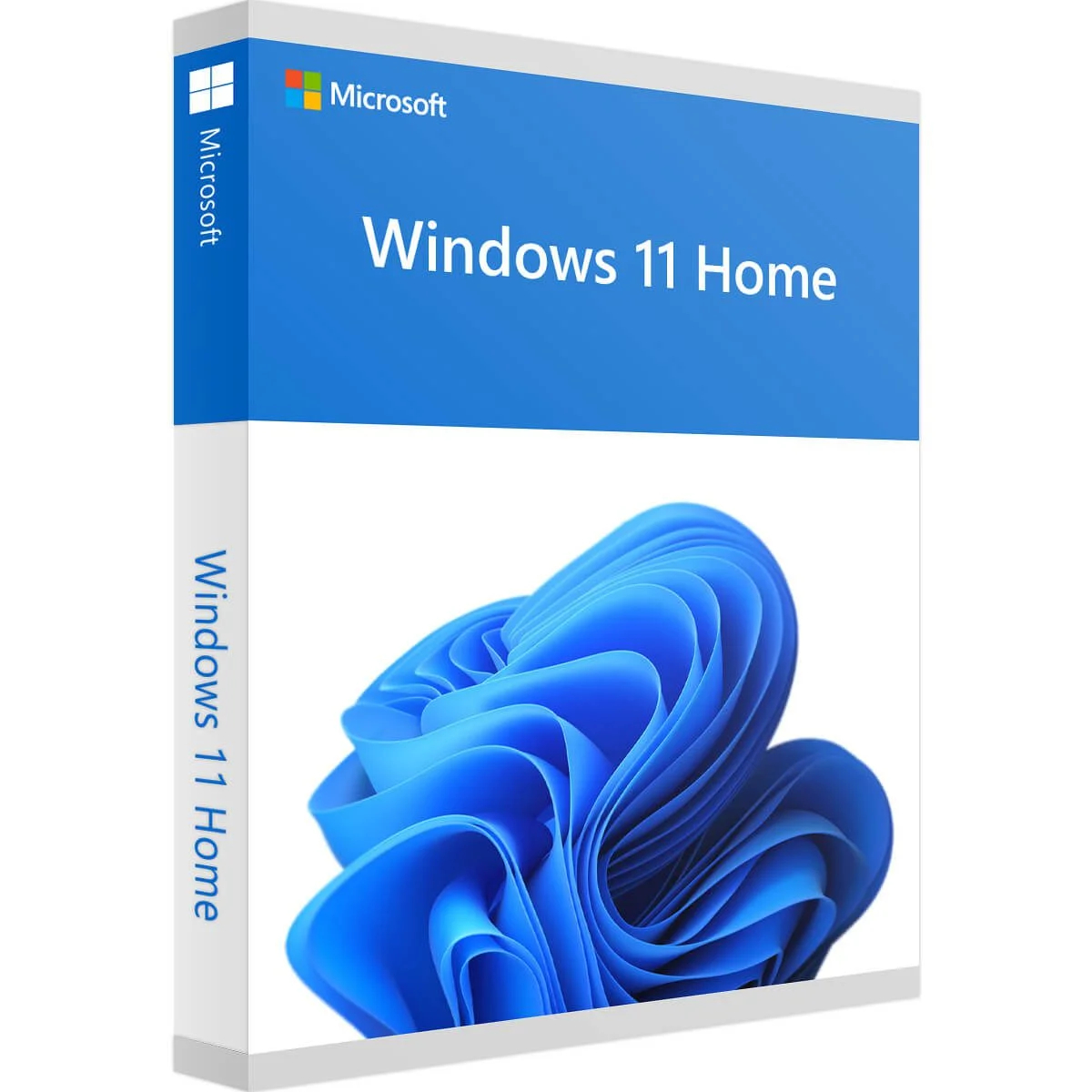
Windows 11 Home is a cutting-edge operating system developed by Microsoft, specifically tailored to deliver a seamless and secure computing experience for home users. Boasting a sleek and contemporary interface, improved performance, and innovative functionalities like Snap Layouts, virtual desktops, and seamless integration with Microsoft Teams, Windows 11 Home presents an advanced and user-friendly platform for everyday activities and entertainment.
How to Activate:
To install Windows, first download Windows 11 HERE.
Use Microsoft Media creation tool to download a bootable disk or USB.
after installation completes:
1. Go to settings,
2. Find “Activation Settings”
3. Select “Change Product Key”
4. Enter provided key
5. Activate windows and start using.